Architectural Scale Model Studio Shot
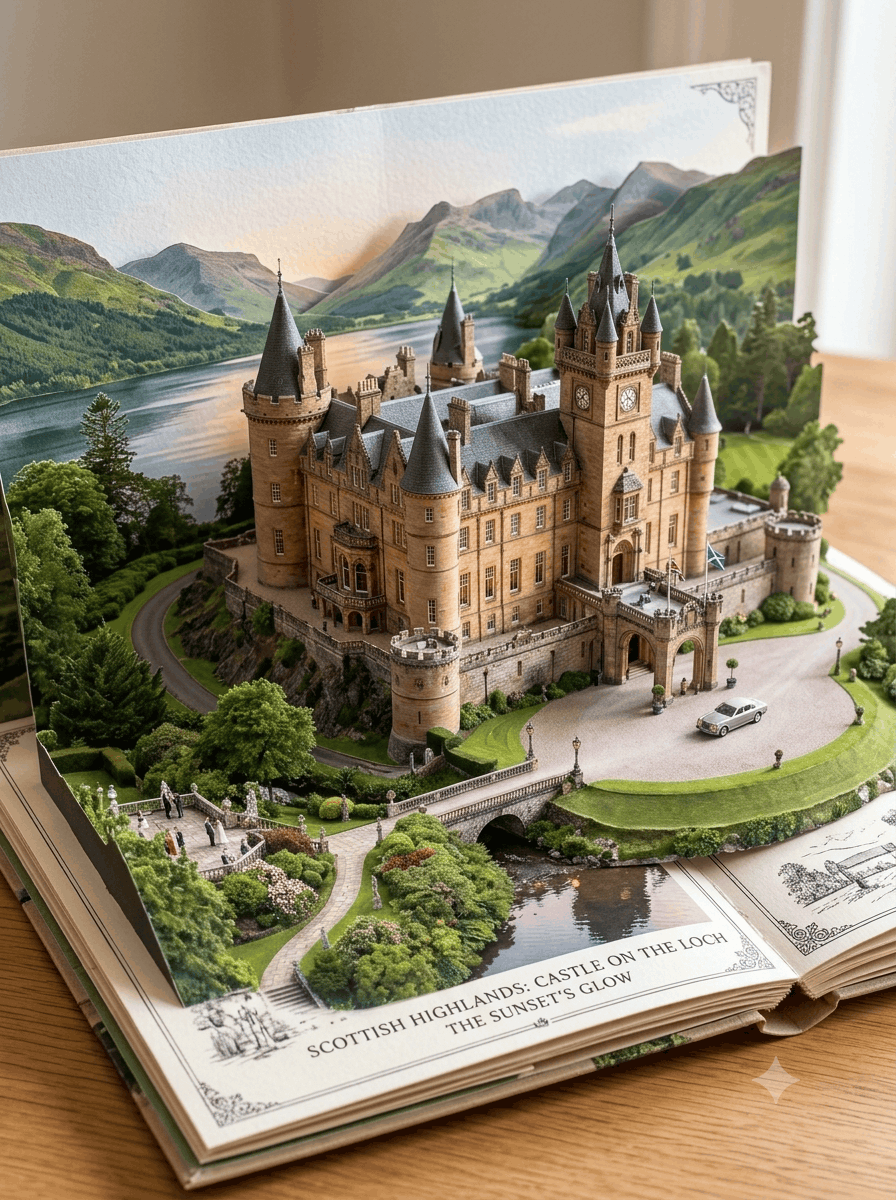
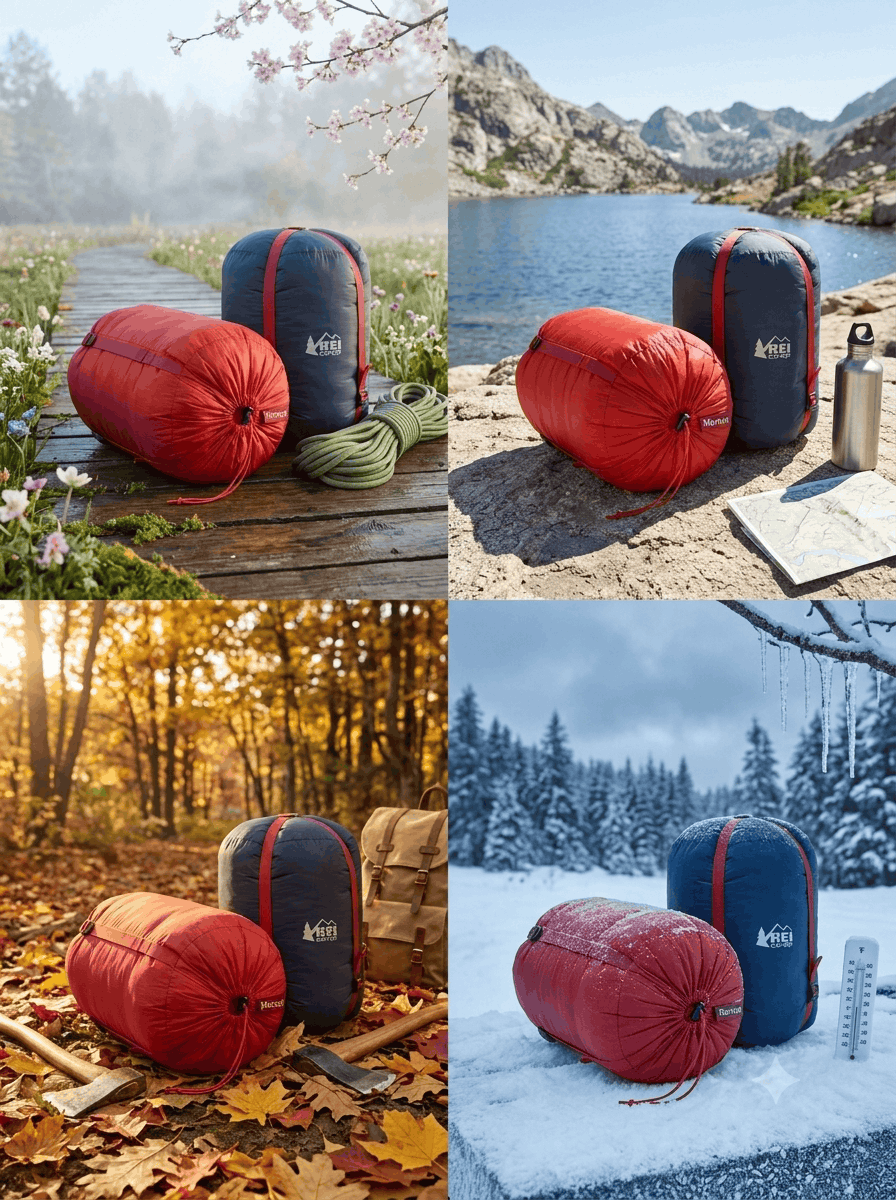
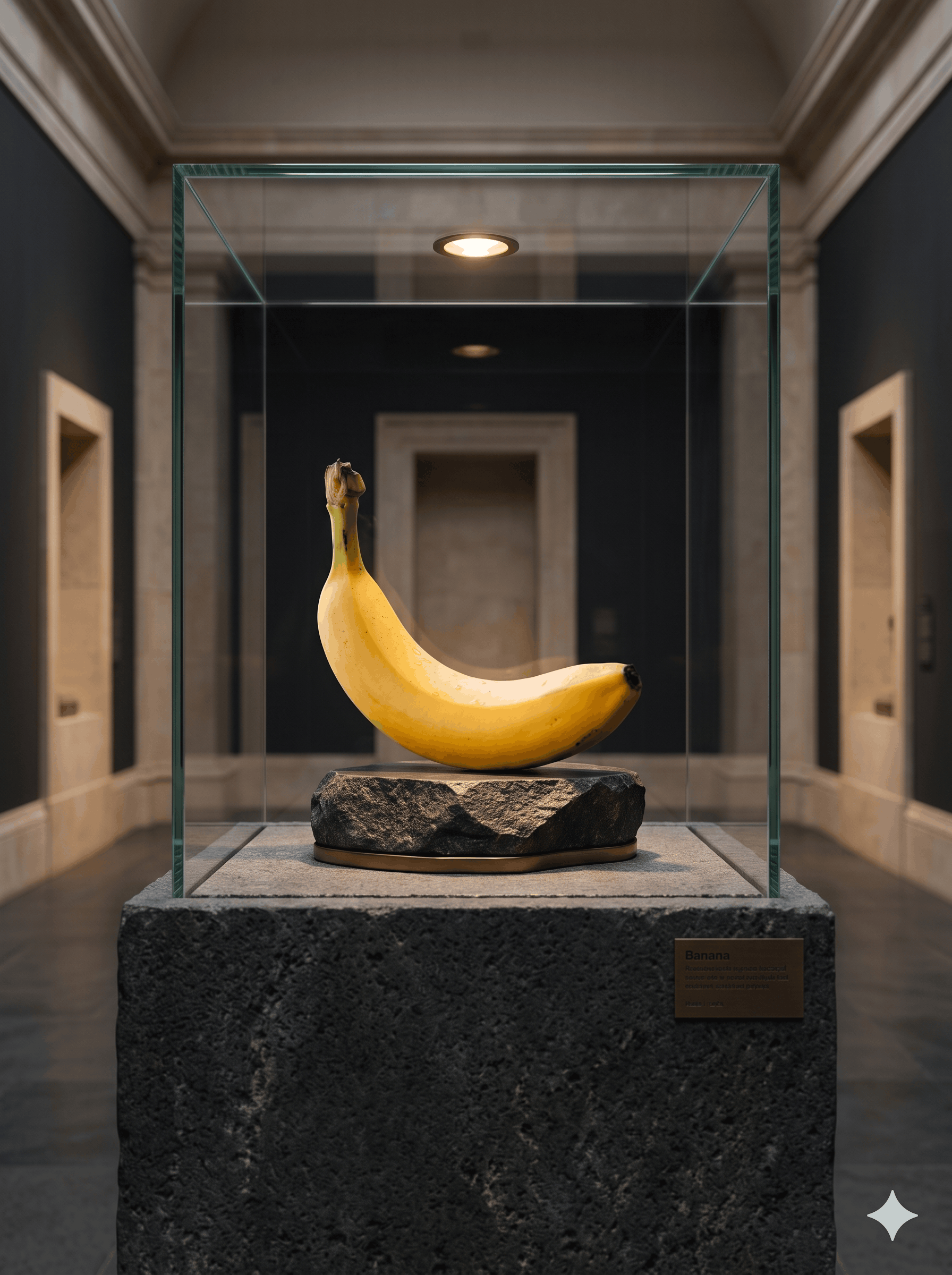
Transform any product into a refined architectural maquette photographed on a professional design studio worktable, with buildings inspired by the subject's form and material language.
Prompt
Use the supplied reference image as the primary source for the main subject. Preserve its recognizable identity, silhouette, proportions, geometry, colors, materials, and defining details. Present it as the centerpiece of a finely crafted architectural scale model on a professional design studio worktable, with architecture inspired by its distinctive form and design language. Do not arbitrarily redesign, replace, or duplicate the subject. CORE CONCEPT: Create a meaningful visual relationship between the subject and a miniature architectural concept. Its contours may inspire a building profile, its material transitions may inform the facade, or its functional geometry may influence structure and spatial organization. Interpret these connections intelligently rather than forcing a literal resemblance. Keep the original subject recognizable and visually prominent. ARCHITECTURAL MODEL: Place the concept on a refined presentation base. Build coherent miniature structures with precise edges, believable joints, layered facades, and realistic construction logic. Choose tactile materials that suit the reference, such as basswood, matte plaster, fine concrete, anodized metal, tinted acrylic, or frosted glass. Give each material convincing texture, thickness, and surface behavior. Adapt the architecture to the subject: a bottle might inspire a sculptural pavilion, a shoe a dynamic cultural building, furniture a spatial composition, or technology a precise research facility. Treat these as examples, not fixed templates; derive the design from the actual reference. DESIGN STUDIO DETAILS: Arrange a restrained selection of authentic process materials around the model: architectural drawings, floor plans, pencil sketches, tracing paper, a ruler, drafting pencil, calipers, material samples, and a few model-making components. Add miniature people or contextual buildings only when useful for communicating scale. Keep every supporting object secondary, purposeful, and physically proportional. COMPOSITION: Create an editorial-quality architectural photograph from a three-quarter angle that reveals the model's form, depth, facade, and craftsmanship. Make the subject and its architectural interpretation the clear focal point. Use the base, drawings, and tools to establish a believable studio setting and subtly guide the eye toward the centerpiece. Maintain clean visual separation, natural depth, and an intentional hierarchy without clutter or excessive symmetry. LIGHTING AND MATERIALS: Use soft directional studio lighting, natural falloff, and convincing contact shadows. Let grazing light reveal miniature construction details, wood grain, paper fibers, clean edges, and subtle surface variations. Ensure glass, metal, plastic, wood, concrete, and paper behave according to their real optical properties. Keep reflections controlled and coherent. Build a sophisticated palette from the reference subject, balanced with neutral architectural materials and understated studio tones. FINAL LOOK: Communicate precision, thoughtful design, and craftsmanship. Combine the tactile credibility of a handmade physical maquette with the polish of a premium product campaign. Maintain plausible scale, consistent perspective, structurally coherent geometry, and realistic placement. The result should feel like a real design concept photographed on an architect's worktable—not a full-sized building or a product beside unrelated miniature architecture. Avoid distorted or impossible structures, inconsistent scale, floating parts, clutter, artificial glow, oversaturation, plastic-looking surfaces, exaggerated reflections, fake logos, illegible text, and unnecessary effects. Add no typography unless it exists in the reference and can be reproduced faithfully.
How to use
1. Open Nano Banana in your browser or supported interface. 2. Upload your reference image as the primary source. 3. Copy this entire prompt and paste it into the text input field. 4. Ensure no additional style modifiers conflict with the detailed instructions. 5. Submit and let Nano Banana process the reference alongside the prompt. 6. Review the output; if the architectural connection feels weak, regenerate while keeping the same reference. 7. For best results, use reference images with clear silhouettes and distinctive material qualities. The model excels at translating product geometry into architectural forms when given a strong visual anchor.
- Model
- Nano Banana
- Category
- Architecture
- Styles
- EditorialPhotorealistic
More inspiration
Related prompts sharing this model, category, styles or tags.