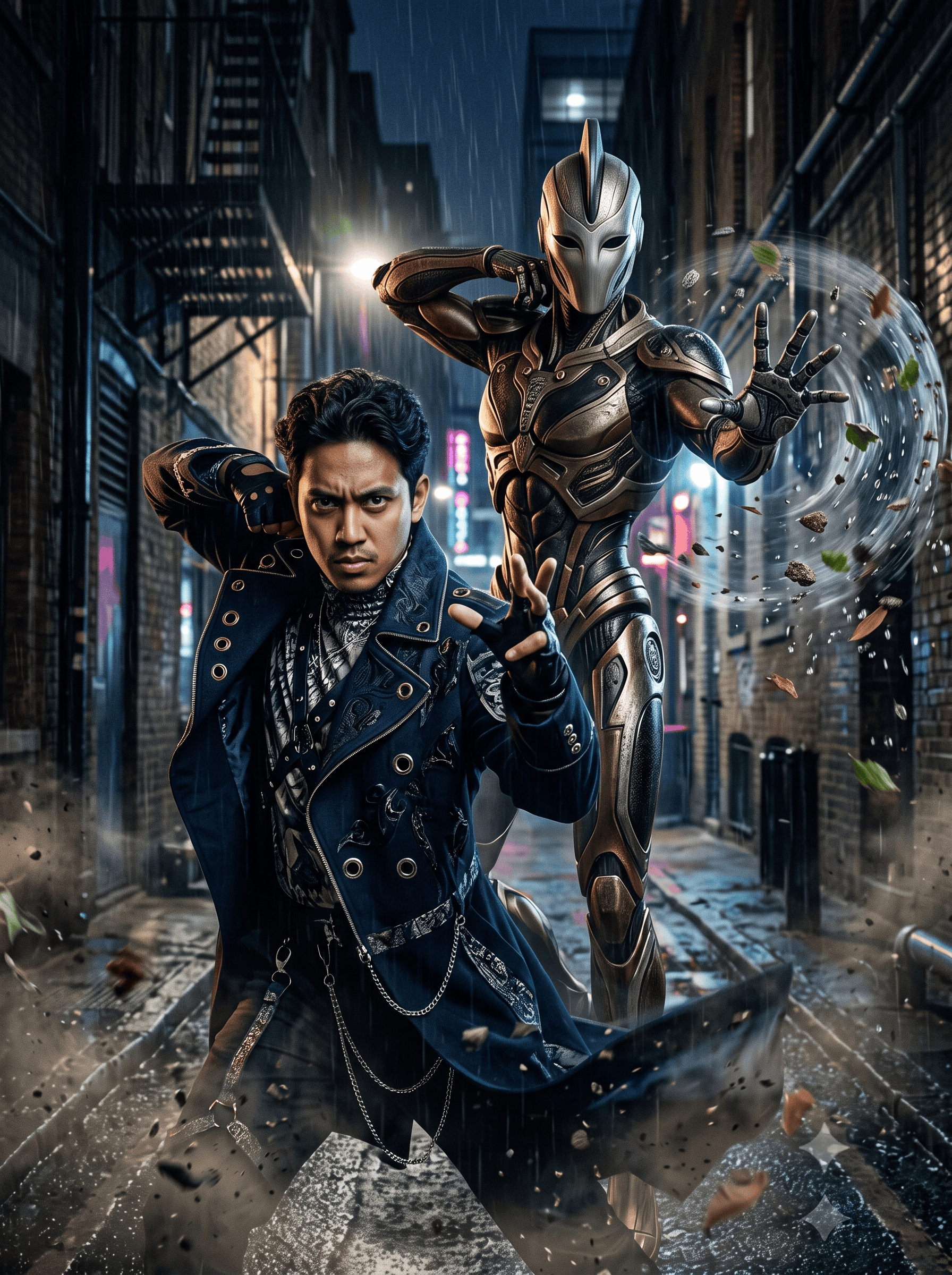
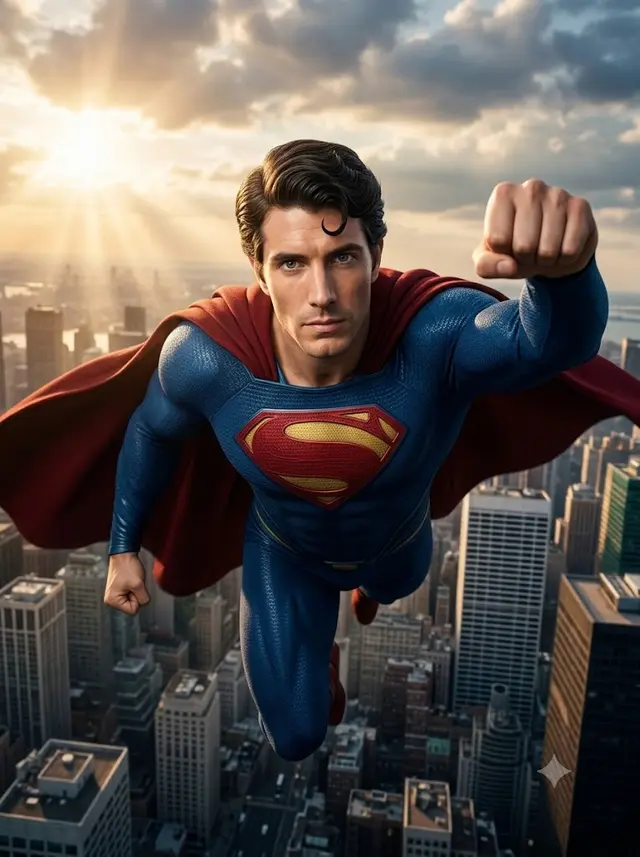
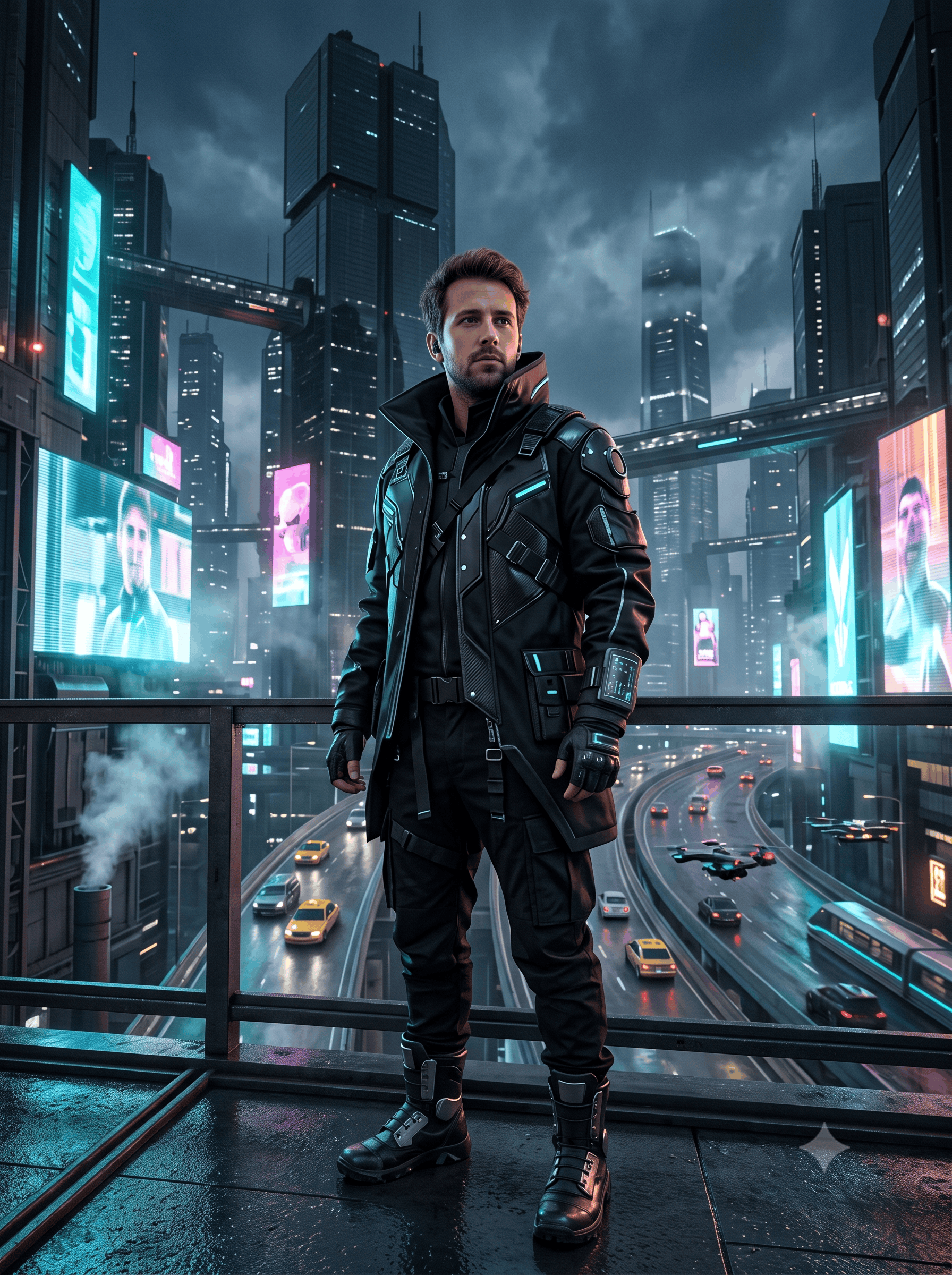
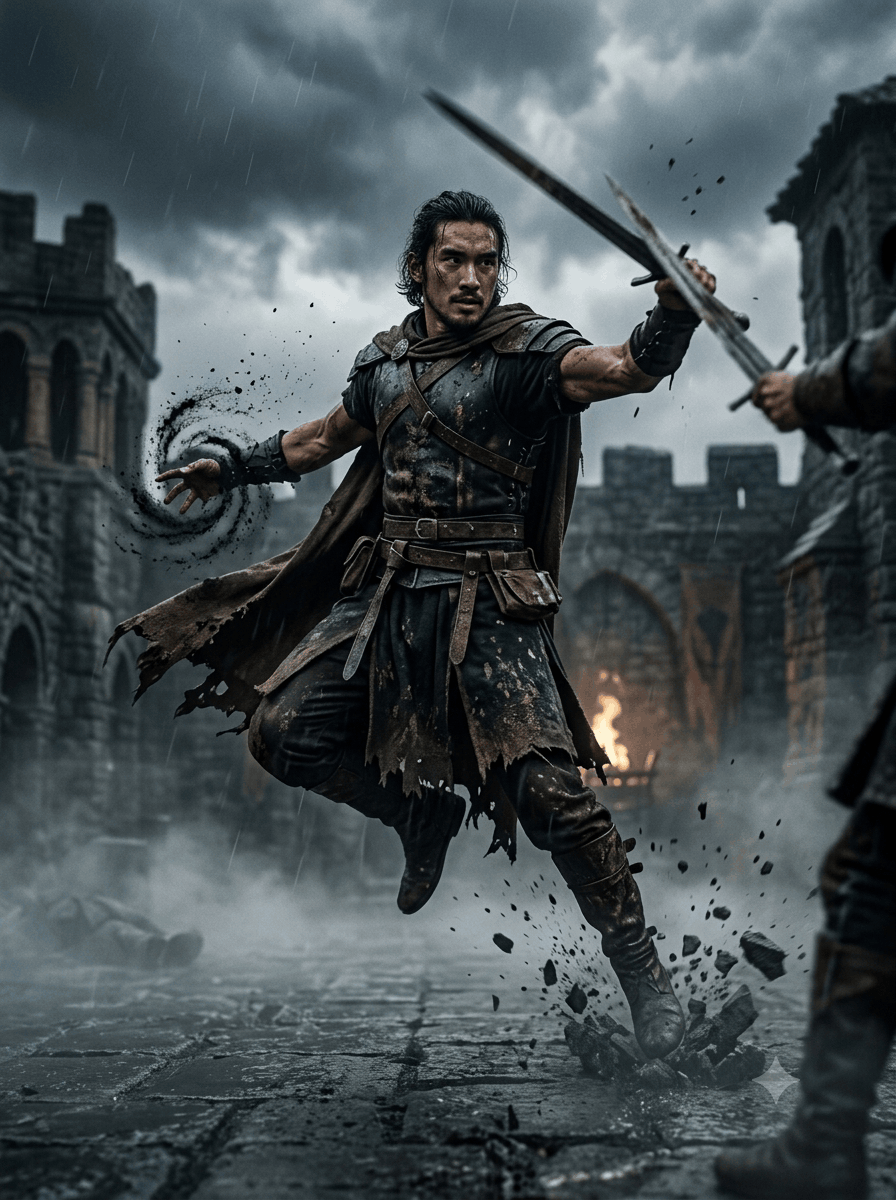
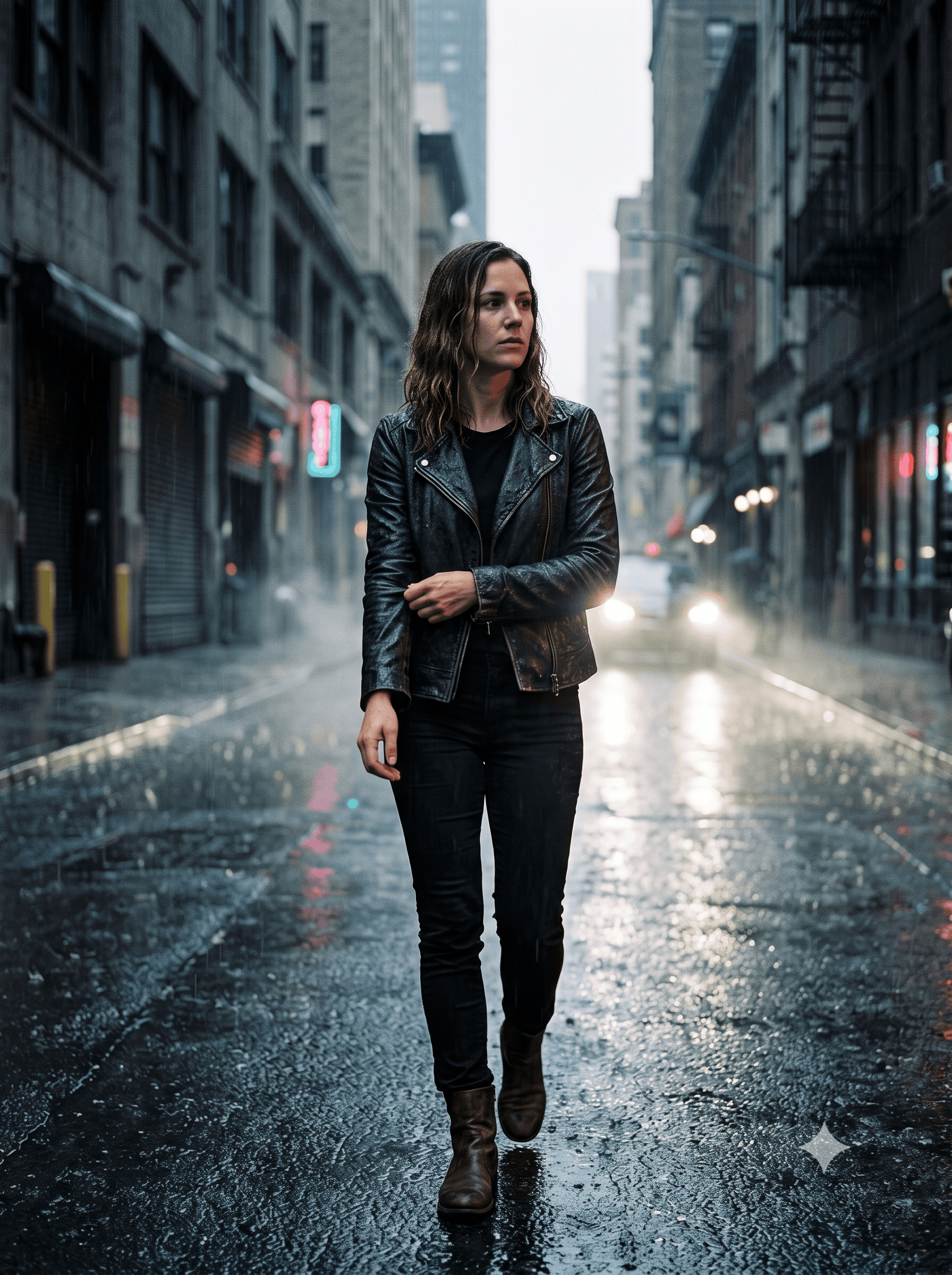
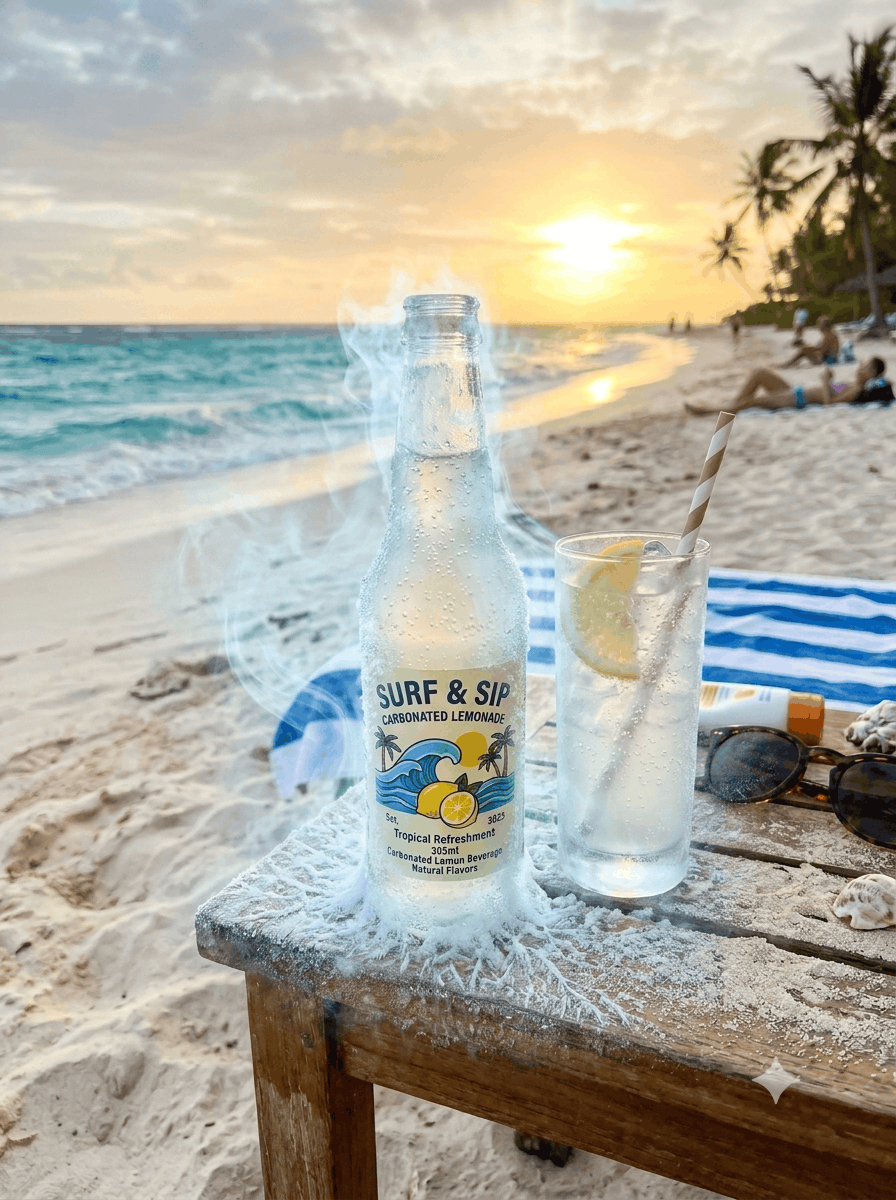
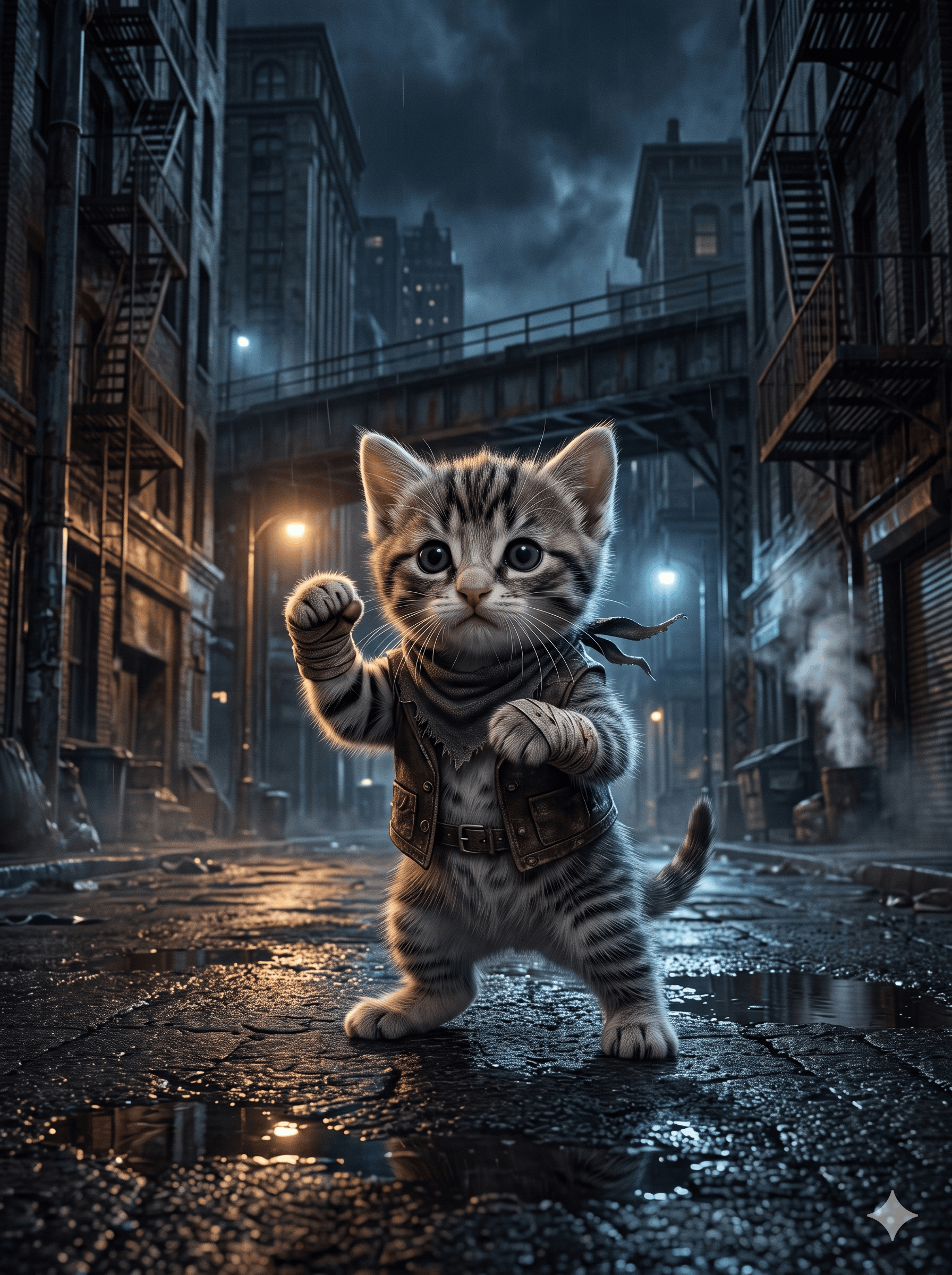
Cinematic Multiverse: One Subject, Many Realities
Transform any subject into a premium split-panel campaign showing the same object across 2-4 contrasting parallel universes—noir streets, candy dream architecture, apocalyptic ruins, pristine voids—with photorealistic integration and cinematic lighting.
Prompt
ROLE: Act as an elite commercial photographer and cinematic art director. Transform any reference subject into a striking parallel-universe advertising campaign. The image must look like premium real-world photography, not generic AI art. 1. ANALYZE THE REFERENCE Identify the subject's silhouette, proportions, materials, textures, colors, branding, and defining features. Preserve its identity throughout every panel. Adapt the environments to the subject, never distort the subject to fit the scene. 2. CREATE THE MULTIVERSE Divide one canvas into 2–4 distinct panels. Show the same subject existing in different parallel realities, each with its own atmosphere, architecture, palette, lighting, and emotional tone. Choose the strongest contrasting worlds for the reference: - NOIR: Rain-soaked streets, wet reflections, deep shadows, dramatic directional light. - CANDY DREAM: Bold pastel architecture, sculptural color blocks, playful geometry, tactile surfaces. - POST-APOCALYPTIC: Ruined concrete, oxidized steel, drifting dust, weathered structures, harsh sunlight. - PRISTINE VOID: Minimalist white architecture, expansive negative space, immaculate surfaces, sculptural shadows. - NATURE RECLAIMED: Overgrown ruins, moss, lush vegetation, filtered sunlight, organic textures. - FUTURE METROPOLIS: Functional futuristic architecture, engineered materials, atmospheric depth, restrained technology. Select 2–4 worlds that complement each other. Invent alternatives when more appropriate. Every panel must differ meaningfully in setting and mood, not merely in color. 3. PRESERVE SUBJECT IDENTITY Keep the subject's geometry, proportions, construction, colors, materials, branding, labels, and signature details consistent. Maintain comparable scale and visual prominence across panels. Coordinate camera angles where possible. Change the surroundings, not the subject. 4. REALISTIC ENVIRONMENTAL INTEGRATION Make the subject physically belong in every world. Match perspective, contact shadows, reflections, ambient light, color spill, depth of field, and atmospheric perspective. Materials must behave realistically: metal reflects its surroundings, glass reflects nearby structures, fabric retains its weave, and surfaces show natural texture. Build environments with credible spatial depth, purposeful details, and believable physical interactions. Every object must feel grounded. Avoid impossible reflections, contradictory light directions, and floating props without justification. 5. CINEMATIC COMMERCIAL PHOTOGRAPHY Use professional camera composition, motivated lighting, natural material response, controlled highlights, rich tonal depth, realistic lens behavior, and detailed textures. Give each universe its own lighting design: hard noir highlights, colorful natural daylight, dusty directional sunlight, or clean studio illumination. Create drama through scale, shadows, atmosphere, and composition—not excessive effects. Maintain photographic realism with subtle imperfections and natural detail. Avoid oversharpening, artificial HDR, and excessive polish. 6. COMPOSITION & ART DIRECTION Make the panel divisions clear and intentional. Balance strong silhouettes, negative space, perspective, and visual weight. Ensure every universe tells a different visual story while the complete image feels like one coherent premium campaign. Make the image immediately striking and rewarding to inspect closely. 7. STRICT NEGATIVES No generic AI aesthetic, plastic-looking materials, fake reflections, excessive bloom, random lens flares, glowing outlines, gratuitous light rays, oversaturated gradients, meaningless holograms, repetitive scenery, chaotic particles, clutter, or overprocessed textures. No warped geometry, duplicated subjects, altered branding, invented text, inconsistent proportions, mismatched shadows, accidental panel blending, implausible physics, watermarks, captions, or added logos. FINAL GOAL: One unforgettable, photorealistic cinematic multiverse image. The subject remains unmistakably identical across radically different realities. Maximize environmental contrast, believable physical integration, cinematic impact, and premium advertising quality. Extraordinary concept, realistic execution, zero generic AI look.
How to use
1. Open Nano Banana (Google's multimodal image generator). 2. Paste this full prompt into the text input field. Before generating, upload a clear reference image of your subject (product, vehicle, object, or character) using the image upload button—Nano Banana requires this to preserve identity across panels. 3. In the prompt, briefly describe your subject after 'ANALYZE THE REFERENCE' (e.g., 'Subject: vintage red motorcycle'). Optionally specify 2-4 worlds from the list or let the model choose contrasting environments. 4. Generate at landscape aspect ratio (16:9 or 3:2) for optimal split-panel composition. Nano Banana will analyze your reference, maintain subject consistency, and render each universe with realistic environmental integration. 5. Review the output; if subject identity drifts between panels, regenerate with emphasis on 'preserve exact proportions, colors, and branding.' For best results, use high-resolution reference images with clear lighting and minimal background clutter.
- Model
- Nano Banana
- Category
- Characters
- Styles
- CinematicPhotorealistic
More inspiration
Related prompts sharing this model, category, styles or tags.